Version 0.1.0 ยท free & open source

Flipbook

A macOS reader that treats a PDF like a book โ€” and lets you talk to the people who wrote them.

Download for macOS

Universal ยท Apple Silicon & Intel ยท 3.9 MB ยท requires macOS 26

Apple Silicon

M1 through M4 and later. Runs natively on arm64 โ€” no Rosetta.

Intel

Native x86_64 slice for the Intel Macs that run macOS 26.


A page turn you can feel

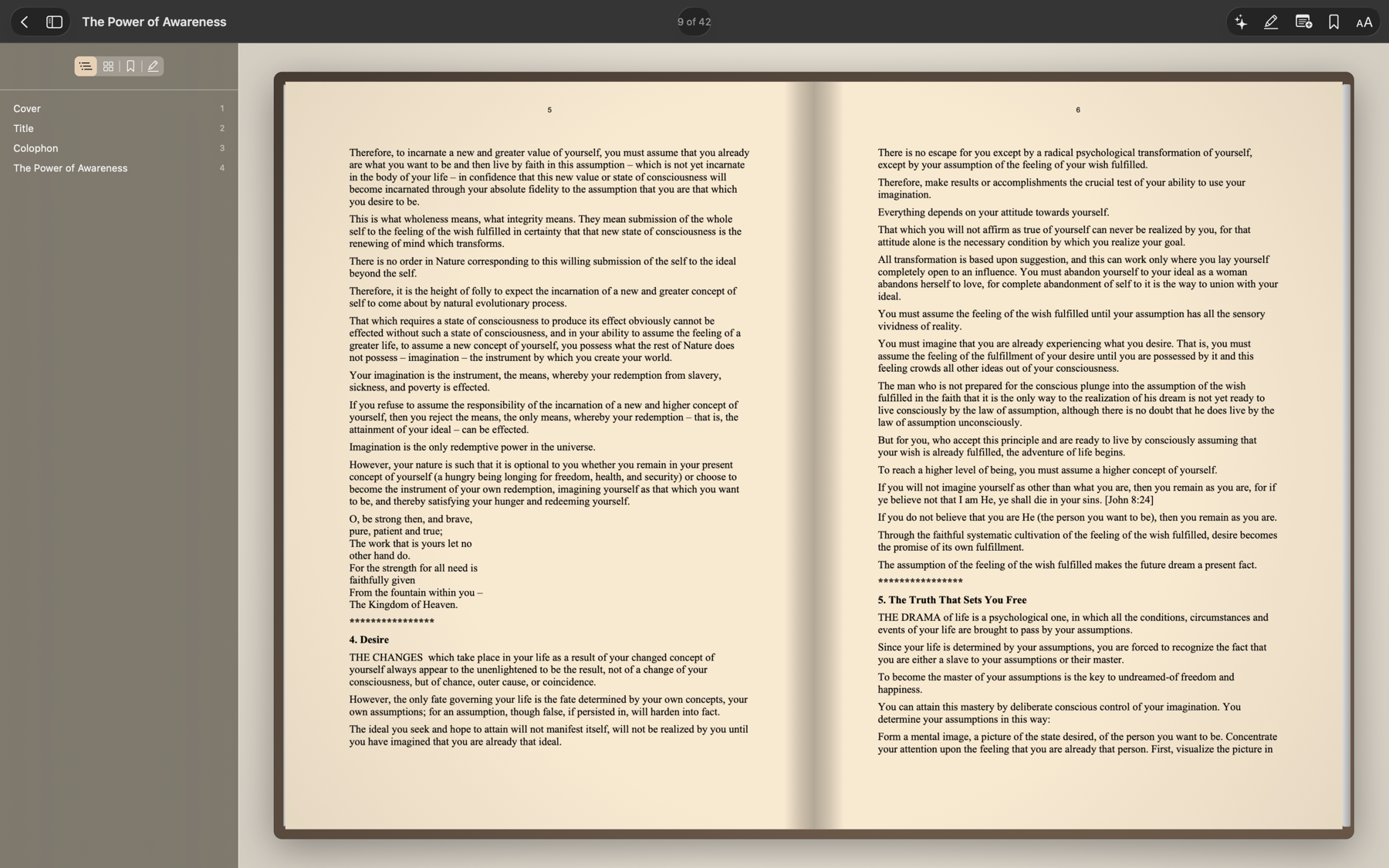
The turn is a Core Animation transform tracked 1:1 against the trackpad โ€” interruptible, reversible mid-gesture, and it carries your velocity into the release spring.

A two-page spread in Flipbook's reader with the contents sidebar open

Book mode: cover board, centre spine, stacked page edges. Narrow windows fall back to one large page.

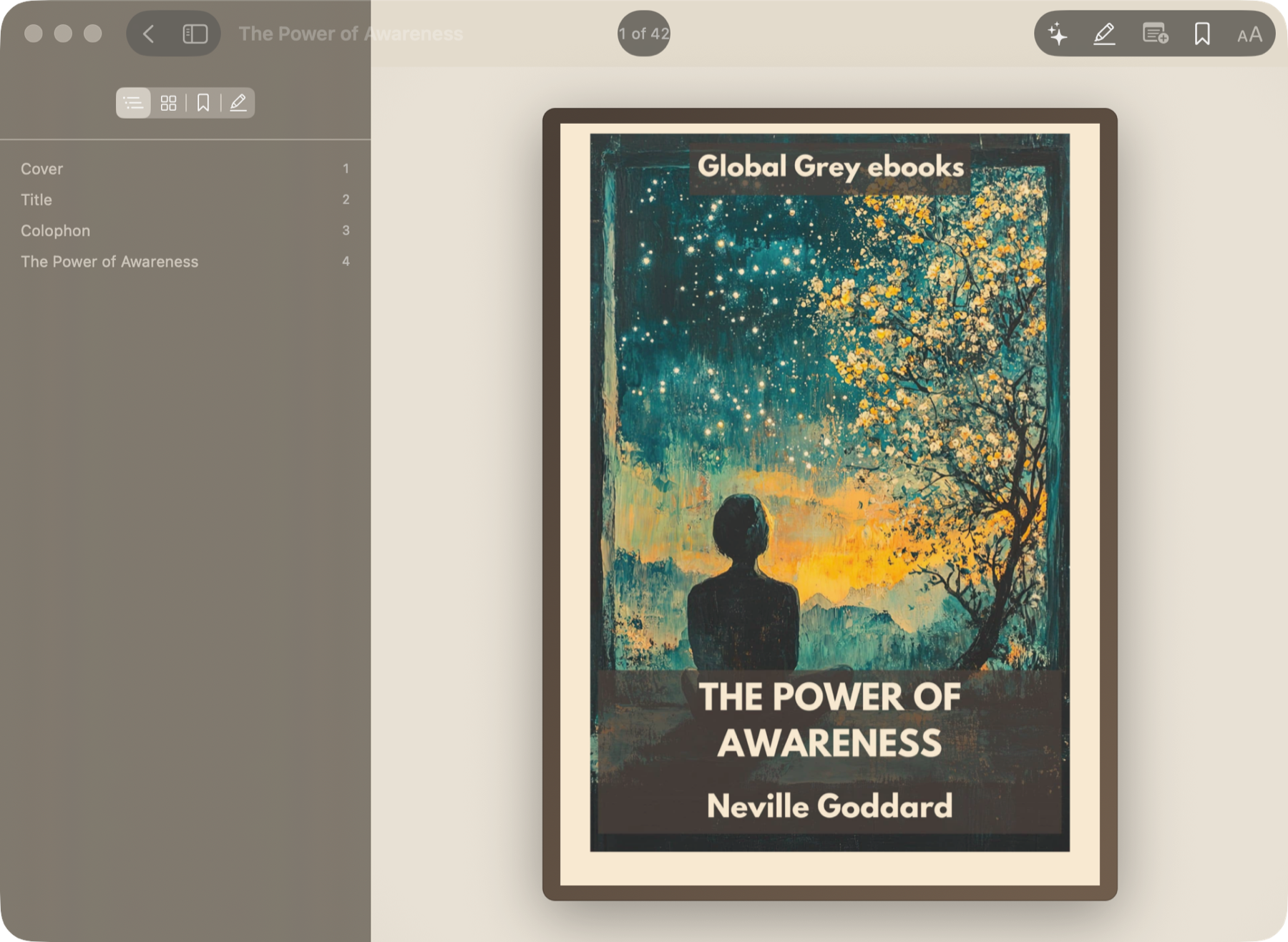
The library grid showing books with covers
Shelves compute themselves from reading progress.
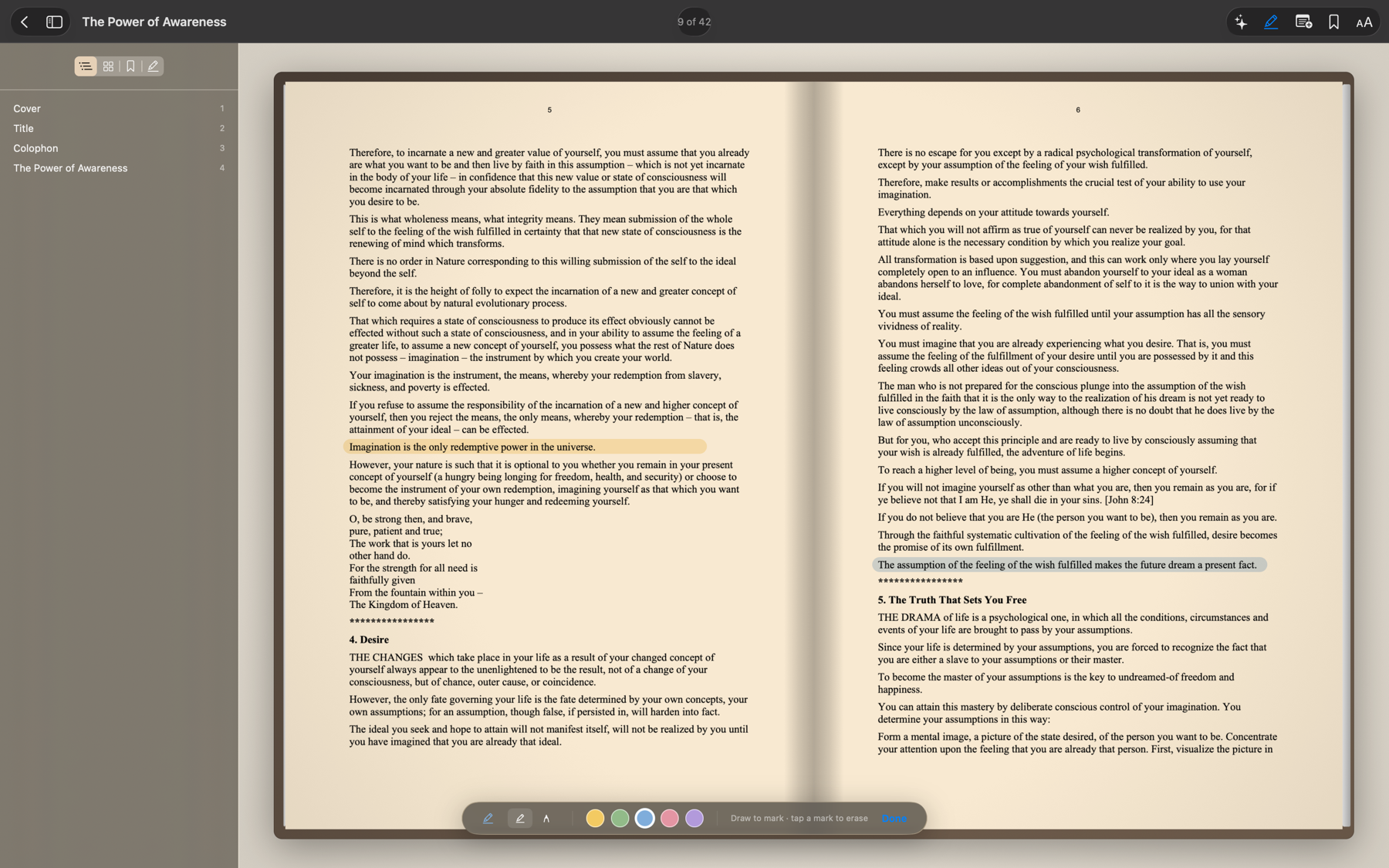
Highlighting text with the marker bar open
Freehand highlighter, sticky notes, ribbon bookmarks.
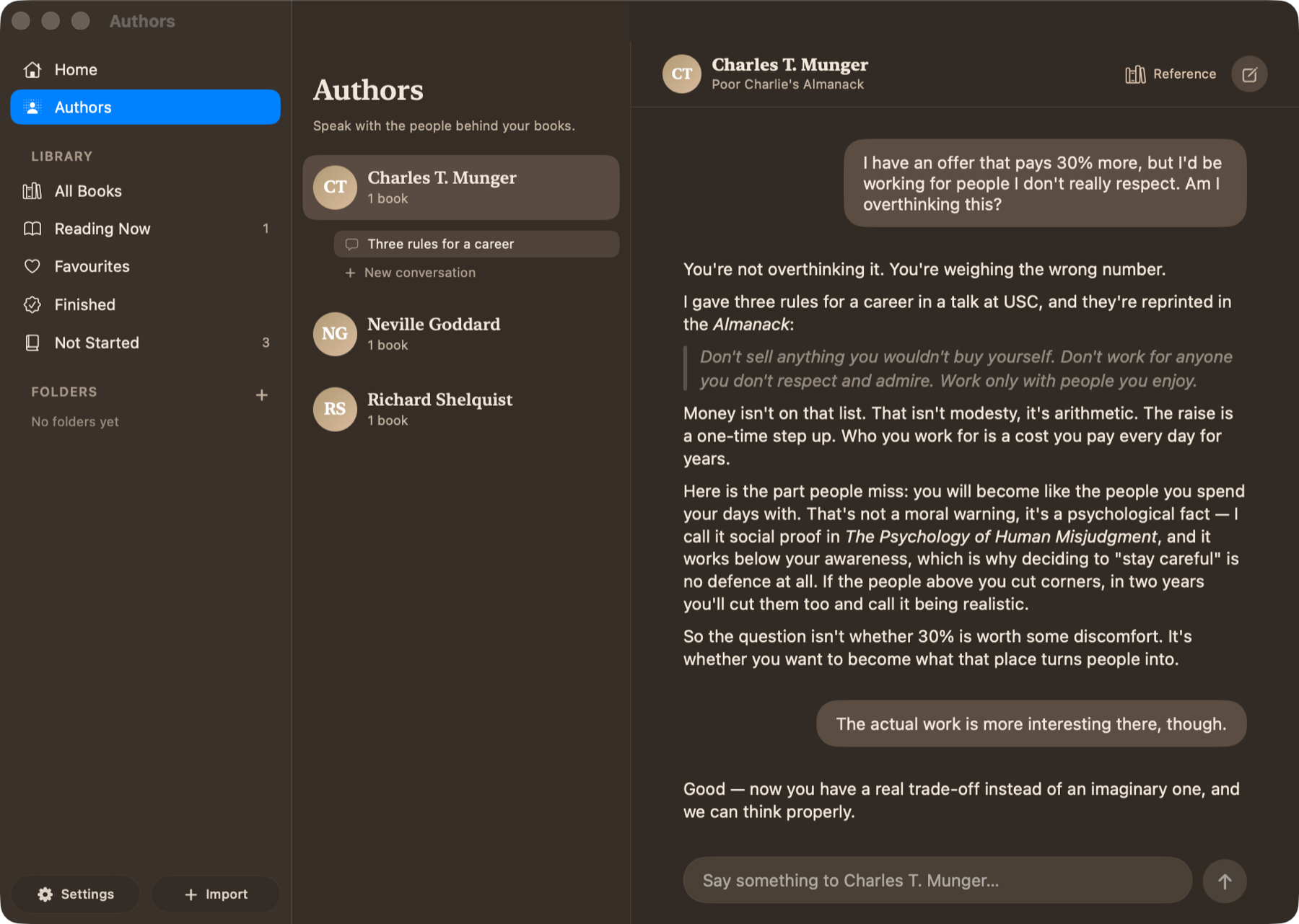
A conversation with an author persona quoting their book
Talk to the Author โ€” grounded in the actual text.
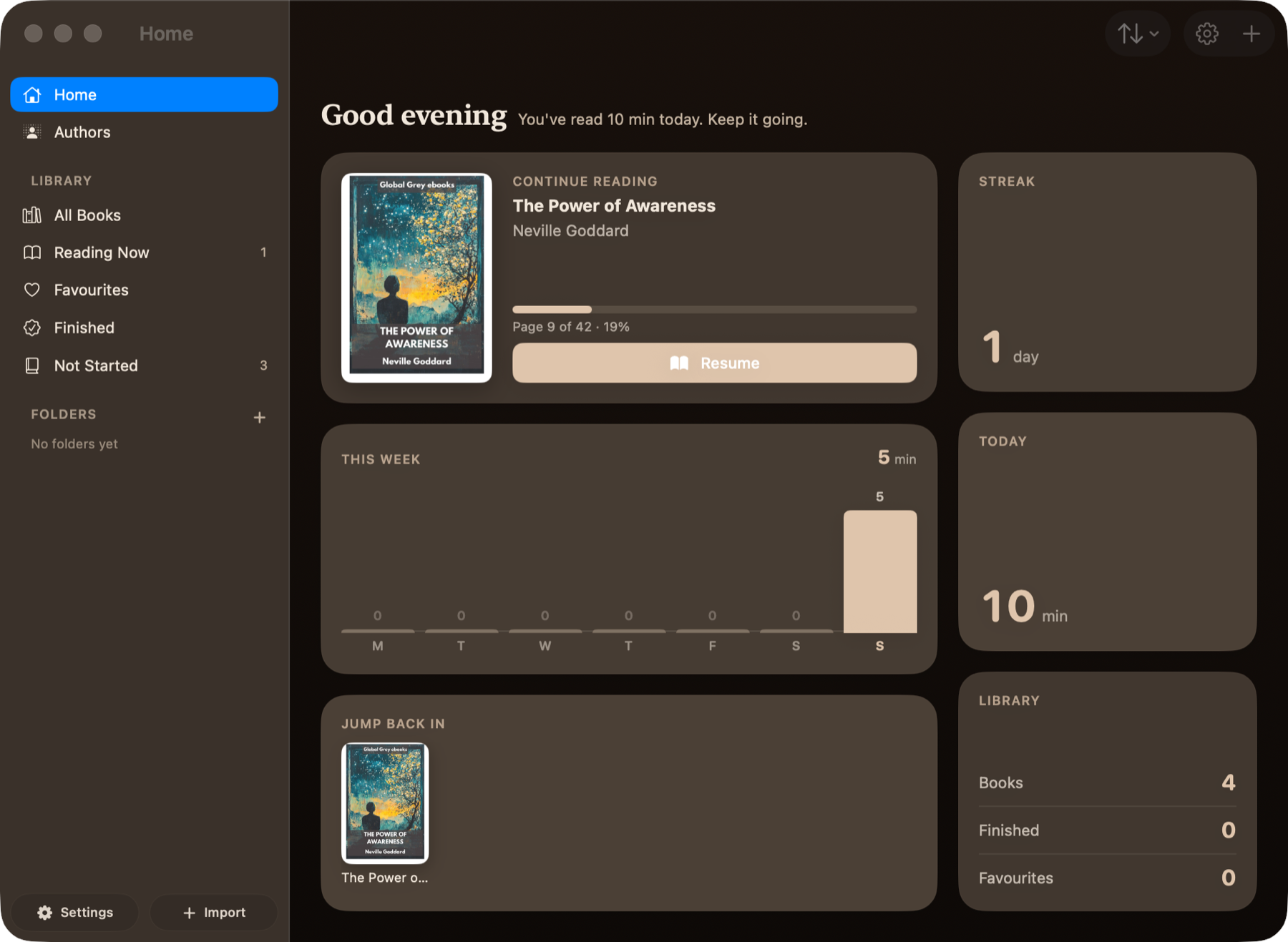
The Home dashboard with streaks, weekly minutes and library totals
Daily minutes, weekly chart, streaks and goals.

What you get

Nine reading themes

Warm Paper through True Black, with warmth and brightness trim. Applied to the rasterised page by a Core Image compositor, then cached.

Smart dark mode

A lightness-preserving invert that keeps photographs positive instead of colour-negating them. Night mode switches over between 8 PM and 7 AM.

Reflow & scroll

Continuous vertical scroll with pinch zoom, or the text re-typeset in your own font and size.

Annotation

Freehand highlighter in five colours, sticky notes you can drag and collapse, and bookmarks with a ribbon on the page.

Contents that exist

Uses the PDF outline, or synthesises one from printed contents pages and font-metric heading detection when there isn't one.

AI, bring your own key

Ask about the page you're on, or question any author in your library. Anthropic, OpenAI, Gemini or YUNWU โ€” your key, your account.

Opening it the first time

Flipbook isn't signed with an Apple Developer ID yet, so macOS will stop the first launch. This is a one-time detour.

Unzip the download and drag Flipbook.app into your Applications folder.

Double-click it. macOS will refuse to open it โ€” that's expected. Dismiss the dialog.

Open System Settings โ†’ Privacy & Security, scroll to the Security section, and click Open Anyway next to the message about Flipbook.

Confirm with Touch ID or your password. Every launch after this one is normal.

Prefer the Terminal? One command clears the quarantine flag and skips the whole dance:
xattr -dr com.apple.quarantine /Applications/Flipbook.app
Why the warning? An Apple Developer ID costs $99 a year, and Flipbook is a free MIT-licensed project. The build is ad-hoc signed and reproducible from the source in this repository โ€” you can read every line of it, or build it yourself with Xcode. Notarised builds are on the roadmap.

Requirements

Operating system
macOS 26 (Tahoe) or laterFlipbook is built against the macOS 26 SDK and won't launch on earlier versions.
Processor
Apple Silicon or IntelOne universal binary carries native arm64 and x86_64 slices. On Intel, that means the Macs Apple still ships macOS 26 to.
Account
NoneNo backend, no sign-in, no telemetry. Your books never leave your Mac.
AI features
Optional, your own API keyKeys live in the macOS Keychain. Requests go straight from your Mac to the provider you chose.

Read something properly

Free, MIT-licensed, and entirely local.

Download for macOS